Which AI do you want to follow?
Your Claude Code and Antigravity limits, always in sight.
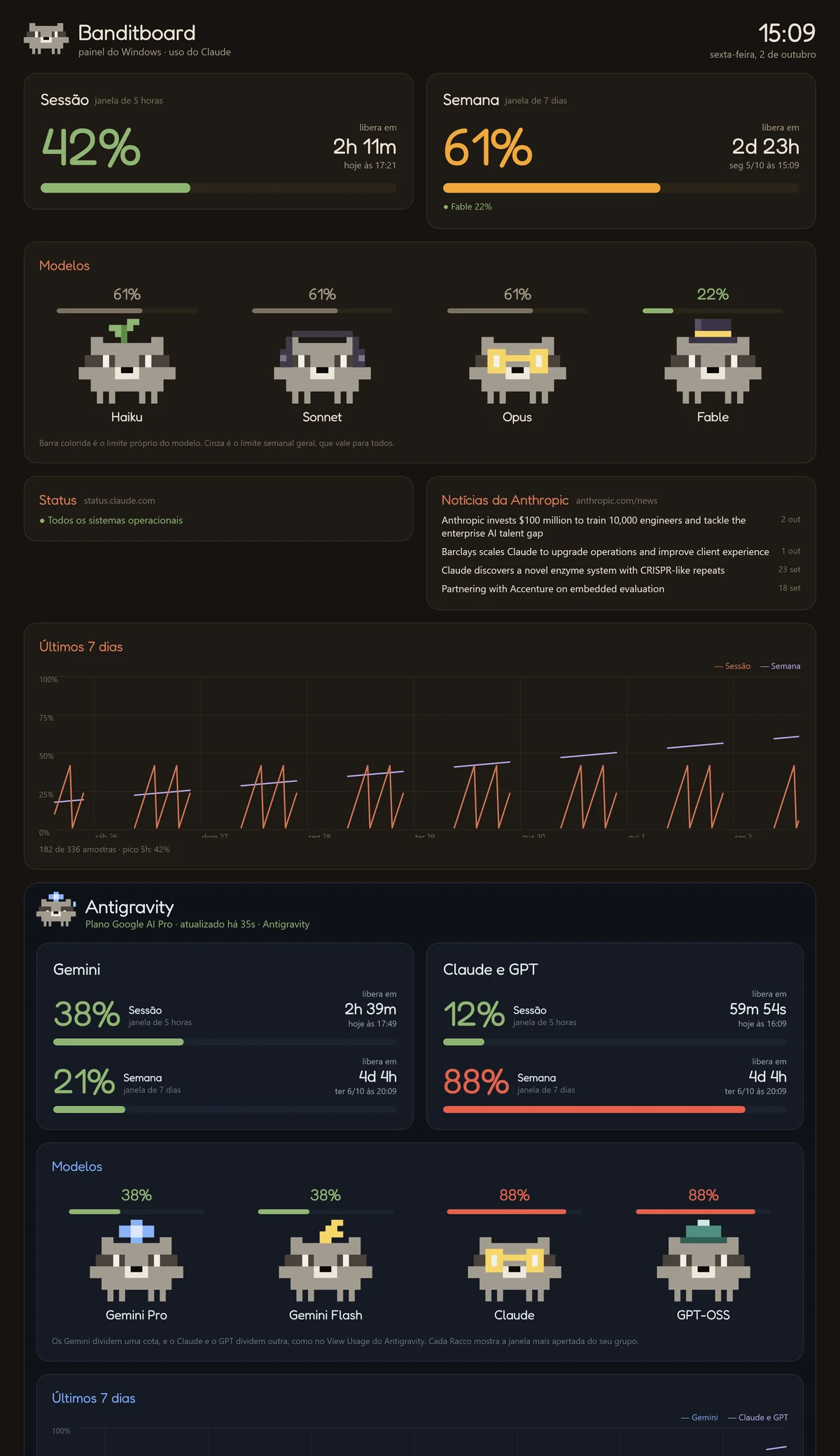
Turn your phone, or an old one you no longer use, into a dashboard for your Claude Code and Antigravity limits: how much of the 5-hour session and the week you have used, when each one resets, and a heads-up before you run out. Also on iPhone, Apple Watch, Windows and the Mac menu bar.
Ready in two minutes
No account, no token, no tokens spent. Claude Code itself reads the usage, on your computer.
Install
On the phone, install the APK, or the IPA on iPhone. On the computer, install the Windows or Mac app. On first launch, the phone asks whether you want to follow Claude Code, Antigravity or both.
Connect Claude Code or Antigravity
On Windows or Mac, one click on Connect Claude Code. Antigravity open on the computer is found on its own. On the phone, scan the QR code from the computer dashboard or from banditboard.suiciniv.dev/conectar, which works even away from home.
Work in peace
After each Claude Code reply, the dashboard updates on its own. When the limit gets close, you know first.
Everything you need at a glance
A dashboard made to stay in sight: on your desk, on your wrist or in a corner of the screen.
Usage at a glance
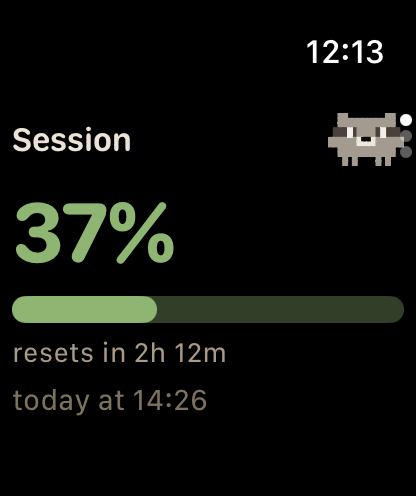
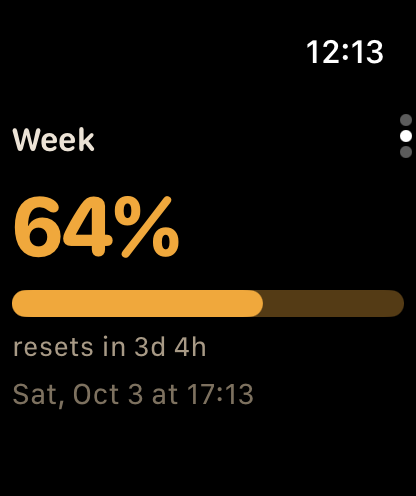
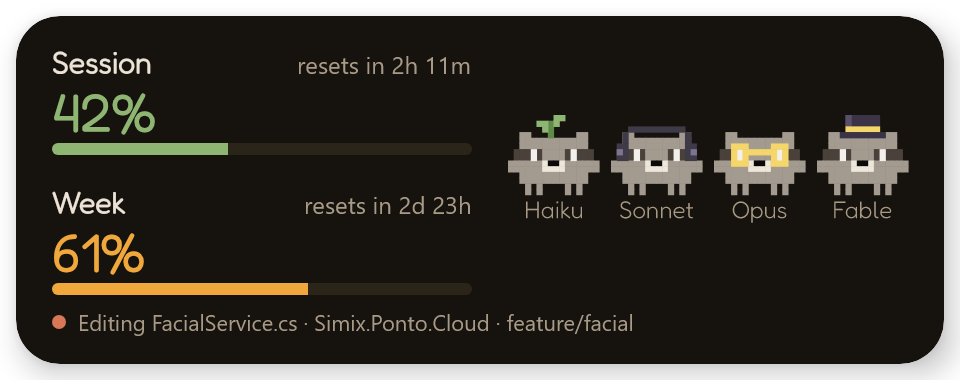
The 5-hour session and the week, with a countdown and the time each one resets.
Claude Code and Antigravity
Follow one, the other or both. On Antigravity, the Gemini quota and the Claude and GPT quota, each with its 5-hour and weekly window.
A Racco for each model
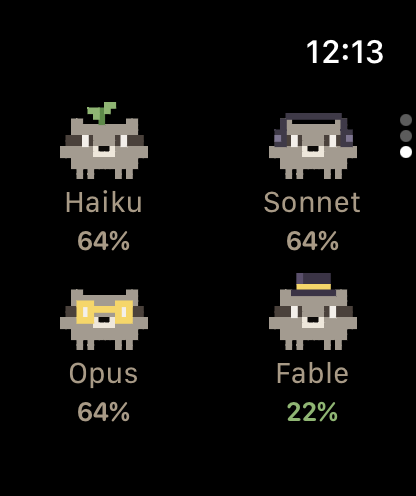
Haiku, Sonnet, Opus and Fable. They sleep when the session is empty, sweat at 85%, turn red at 90% and burst at 100%.
Limit alerts
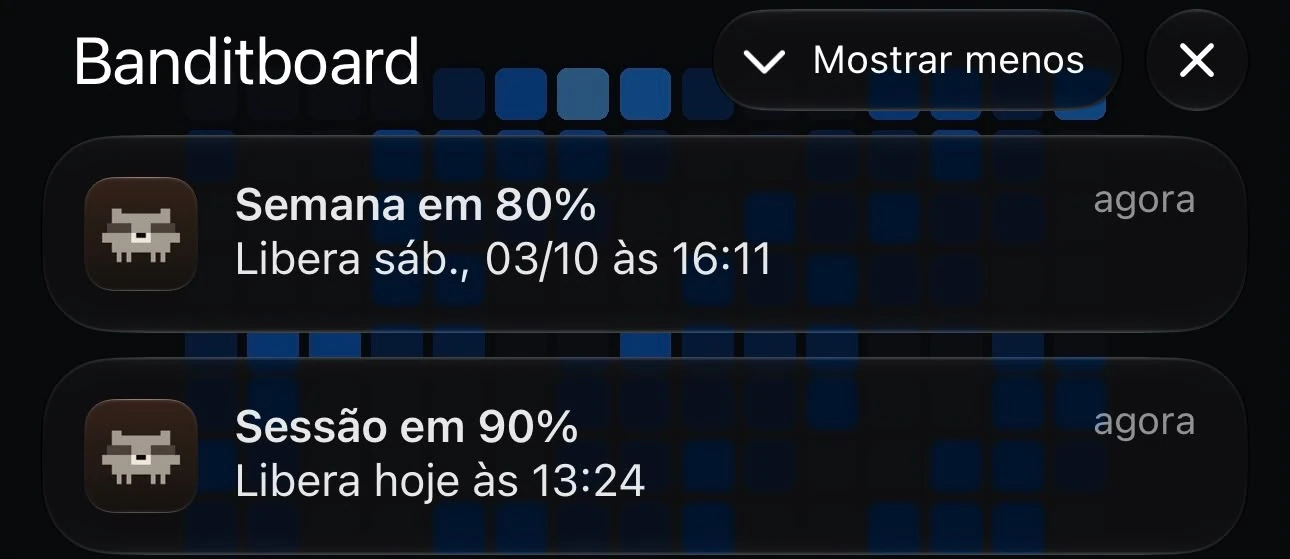
A notification at 80%, 90% and 100%, and another when it resets. On Android, even with the app closed.
iPhone and Apple Watch
Widgets on the Home Screen, the Lock Screen and in StandBy, and complications on your watch face.
Claude activity
Racco follows what Claude Code is doing: works along, raises a hand when it needs you and notifies you if nobody answers.
Windows and Mac
On Windows, a widget that stays on top. On Mac, Racco and the percentage in the menu bar.
From anywhere
Scan a QR code at banditboard.suiciniv.dev/conectar and usage reaches your phone even away from home, encrypted end to end.
Music mode
Shows what is playing, with cover art and controls, and the raccoons dance along.
History, status and news
A 7-day chart, open incidents from status.claude.com and the latest Anthropic news.
What it looks like
On a phone lying on the desk, on your iPhone, on your wrist or in a corner of your computer screen.
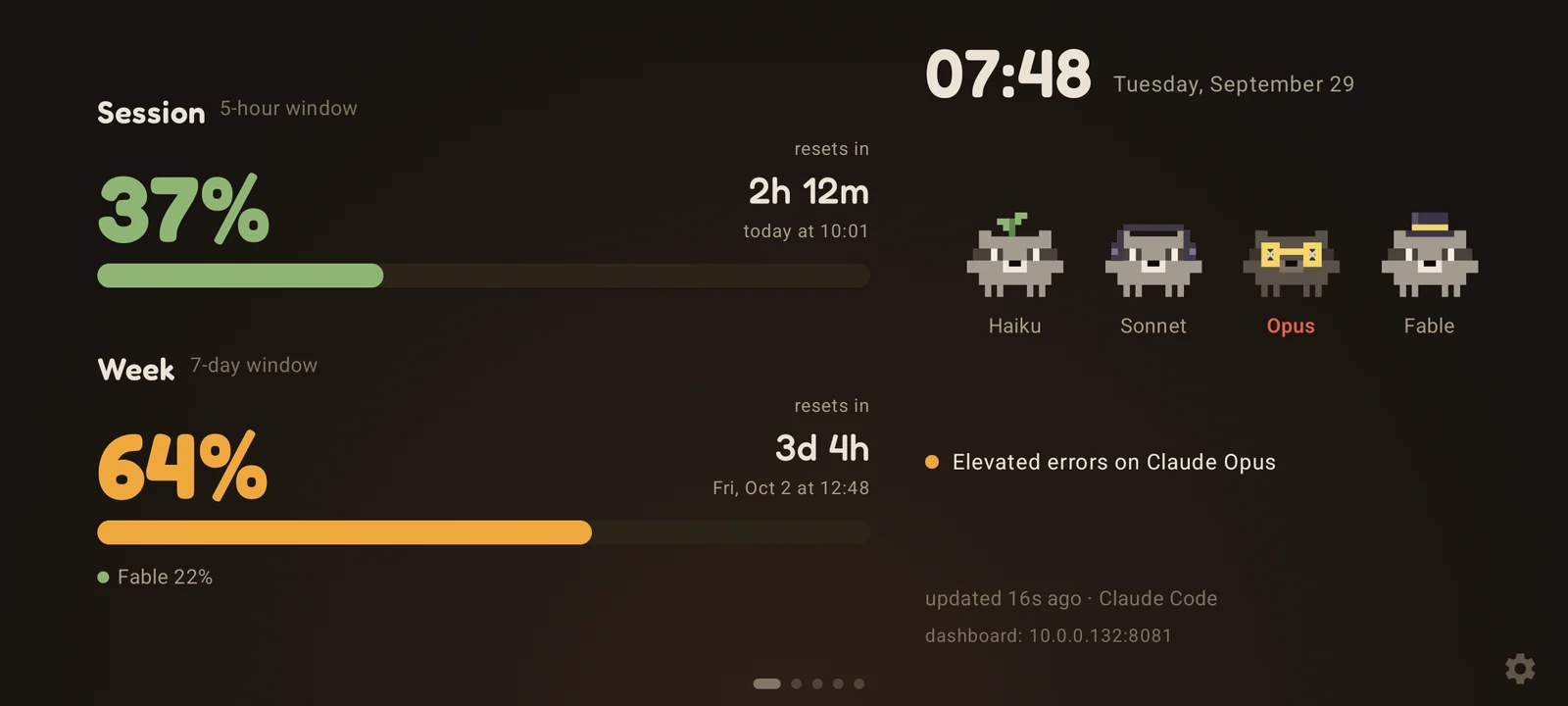
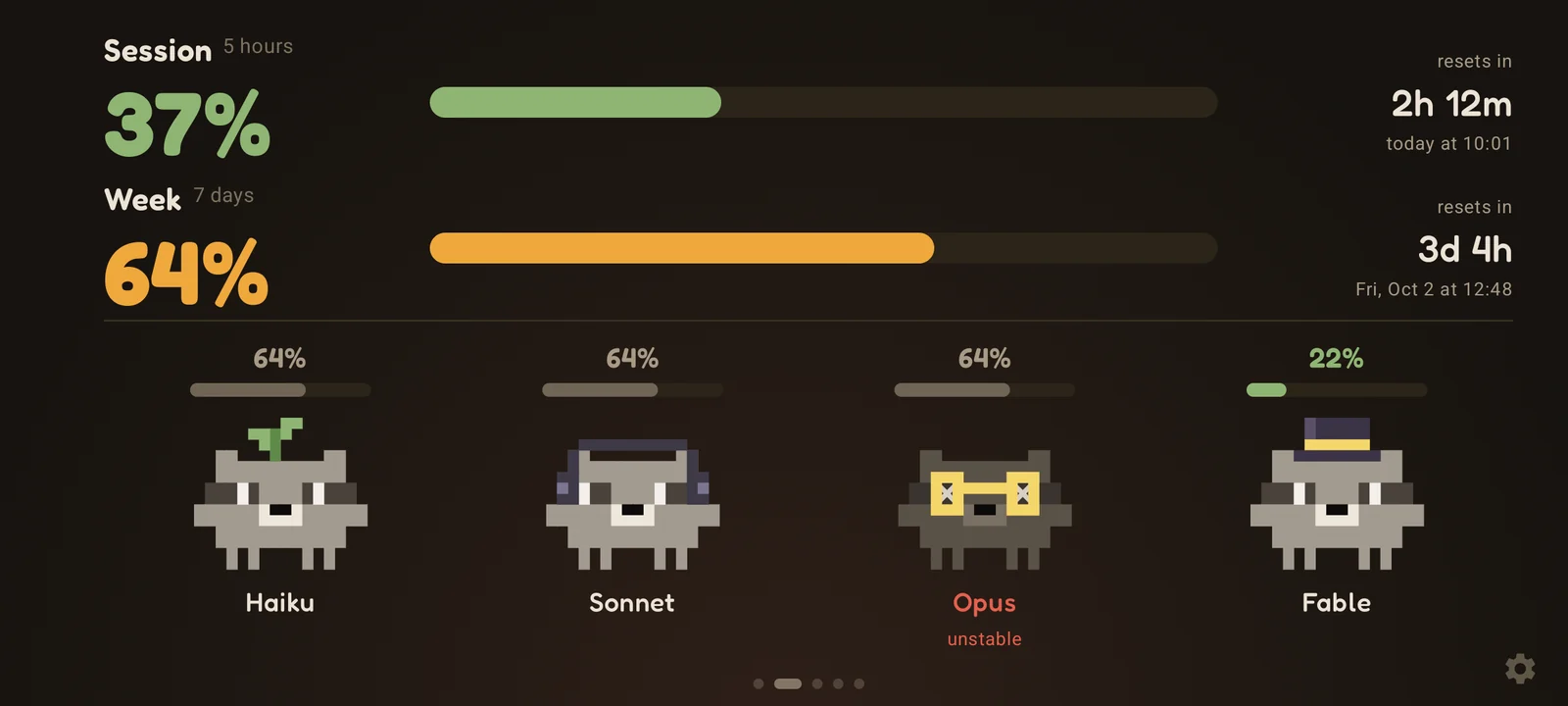
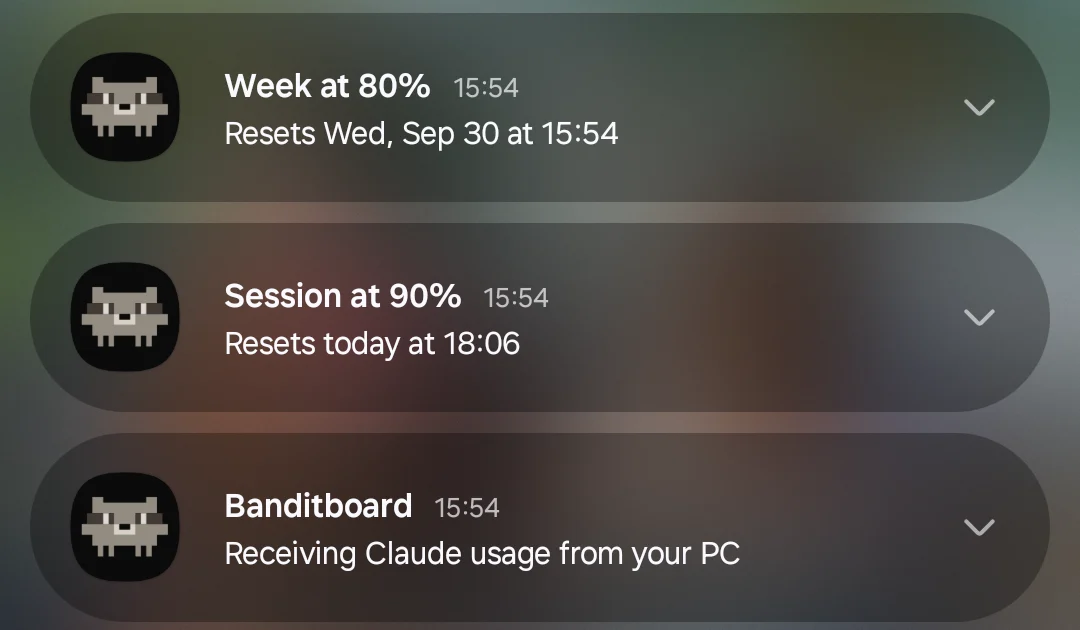
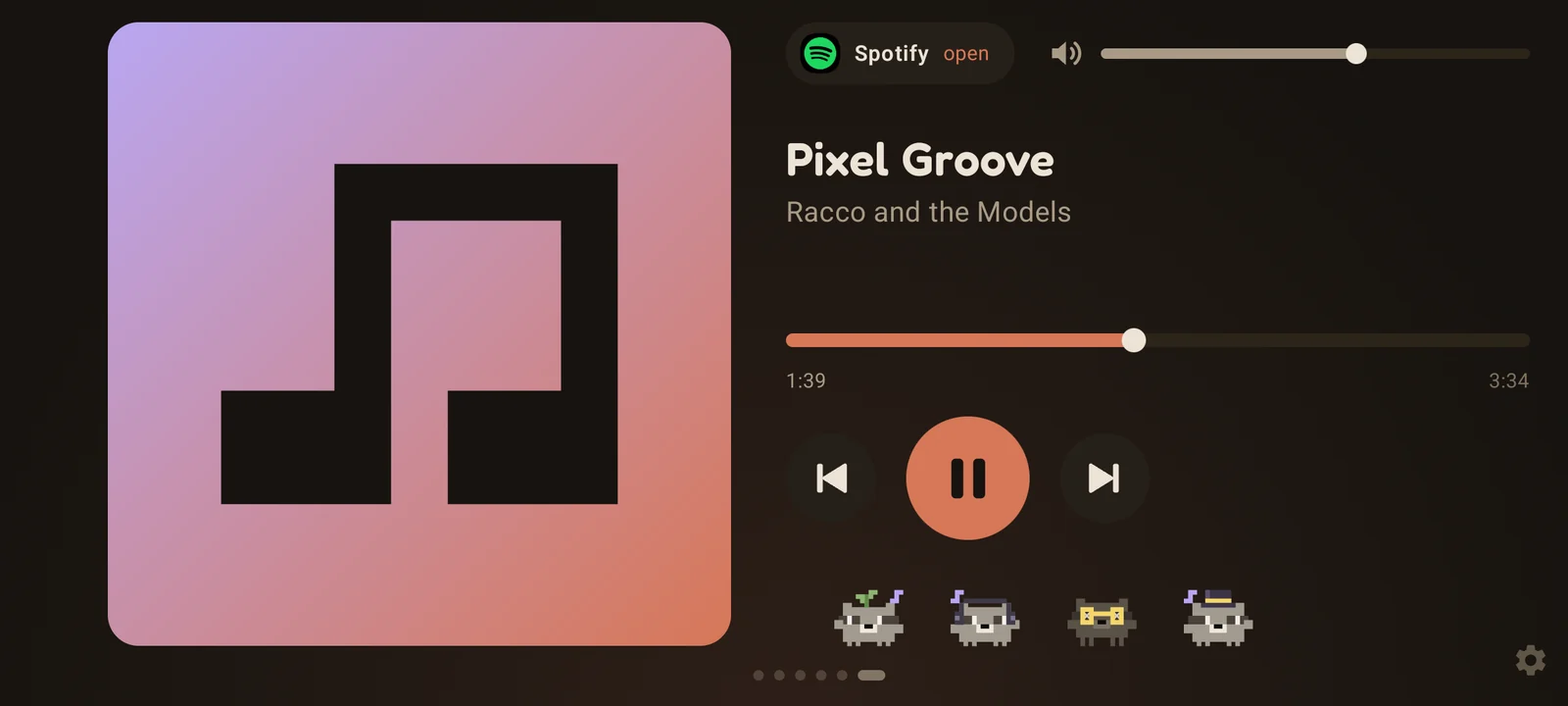
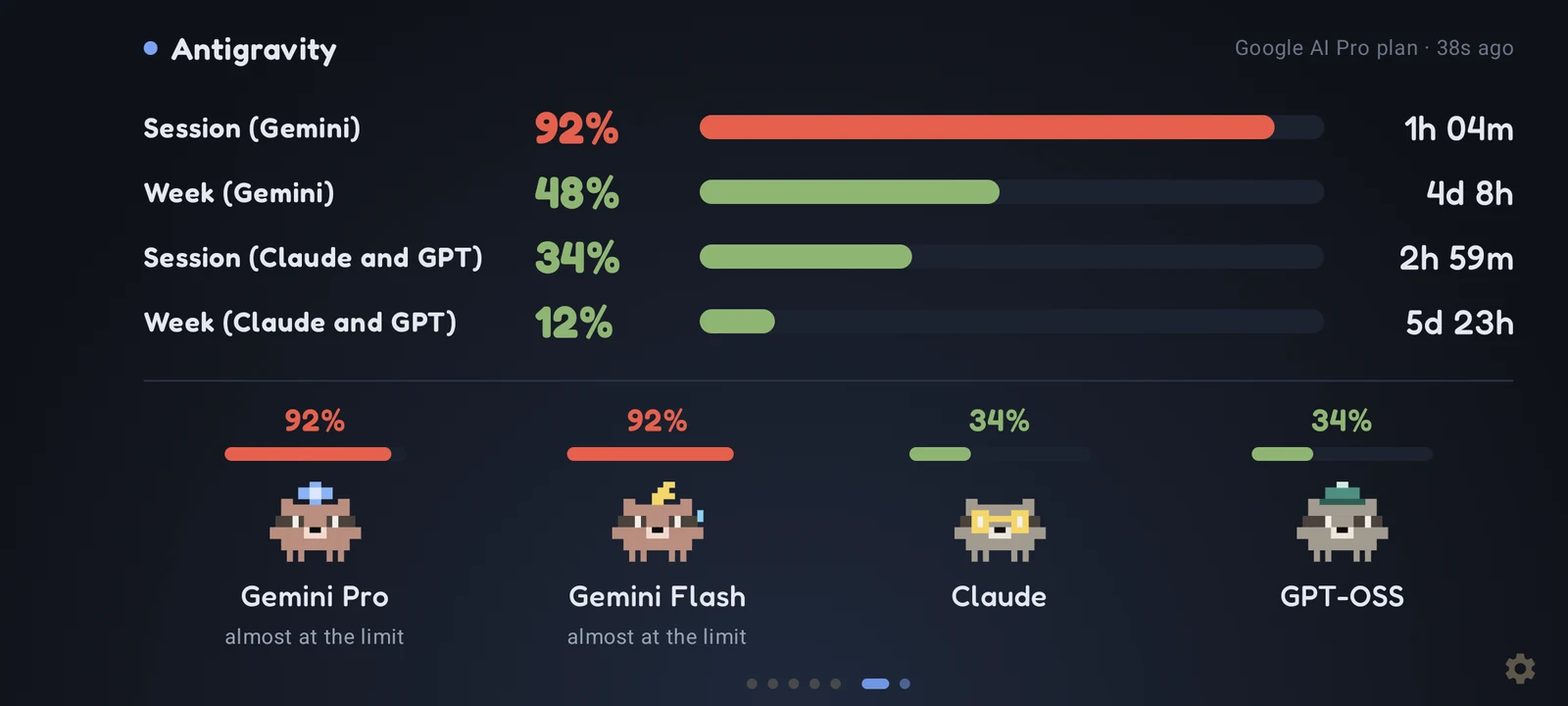
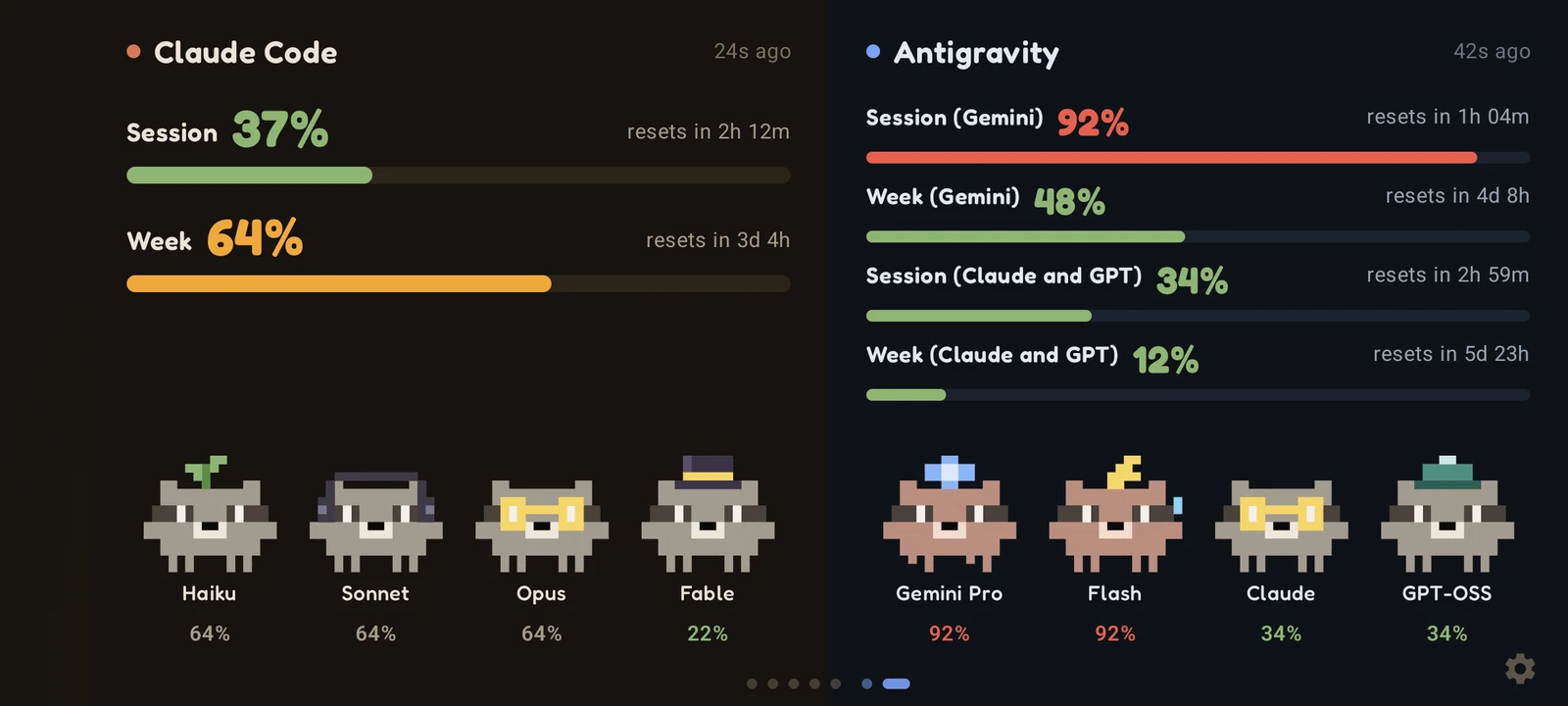
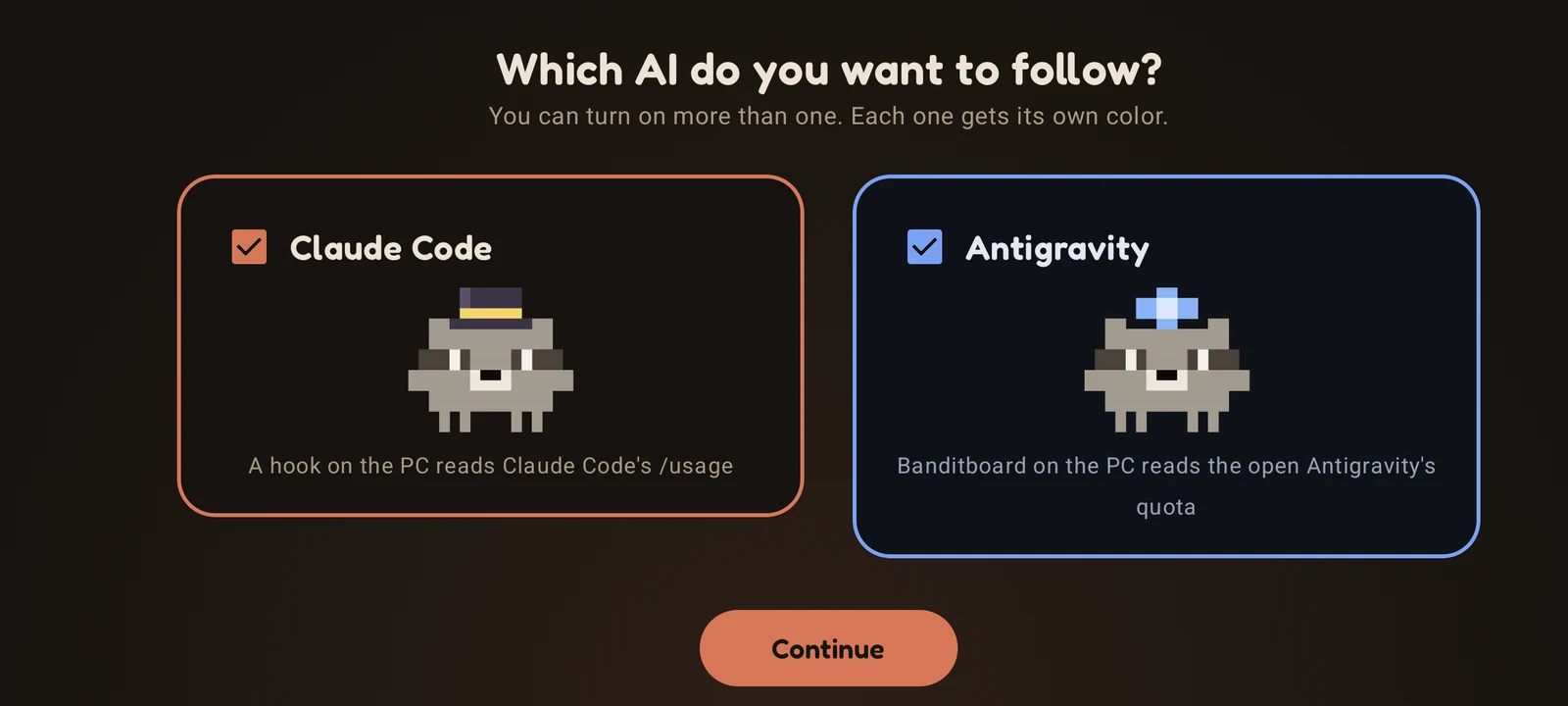
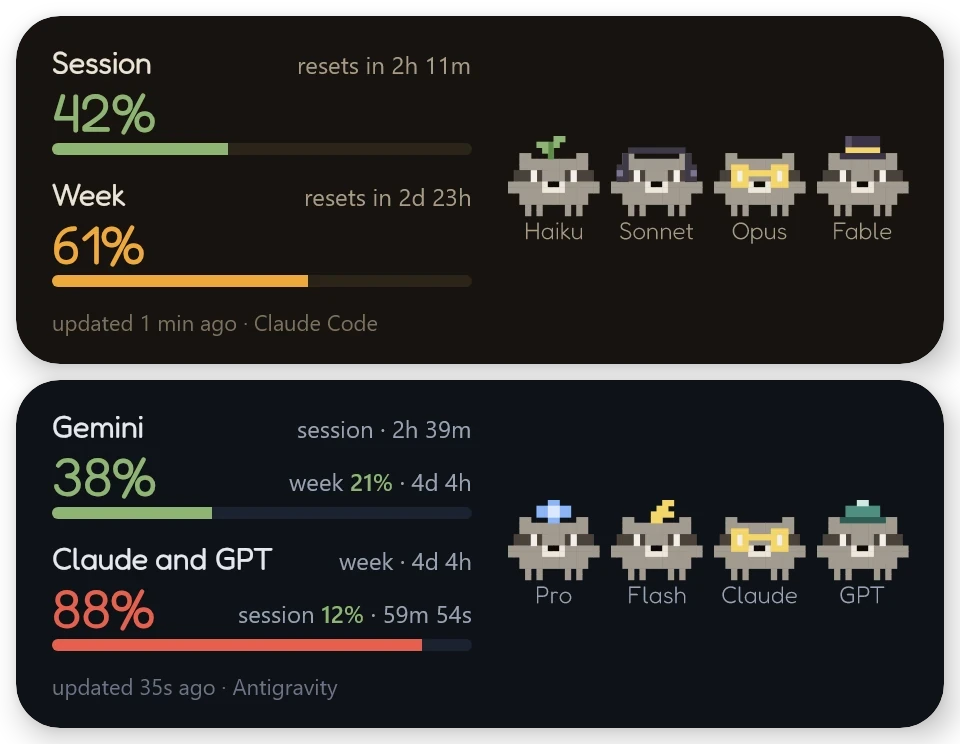
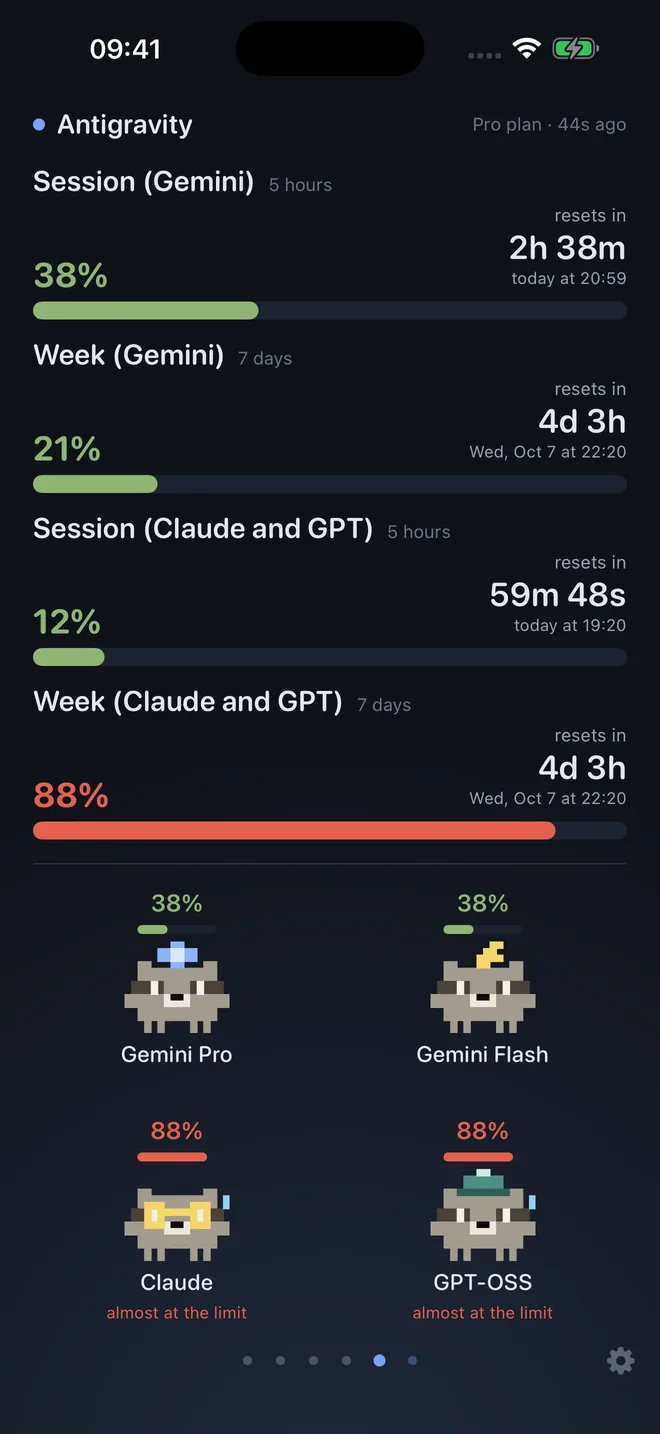
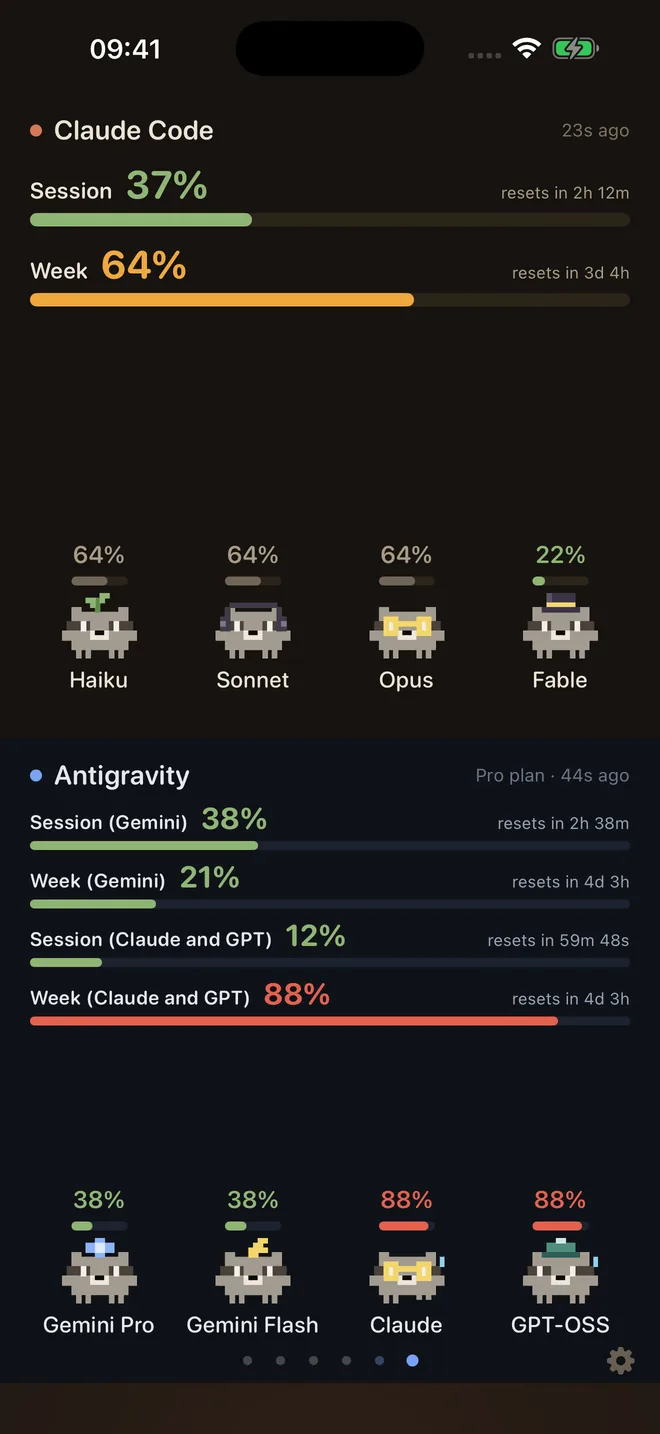
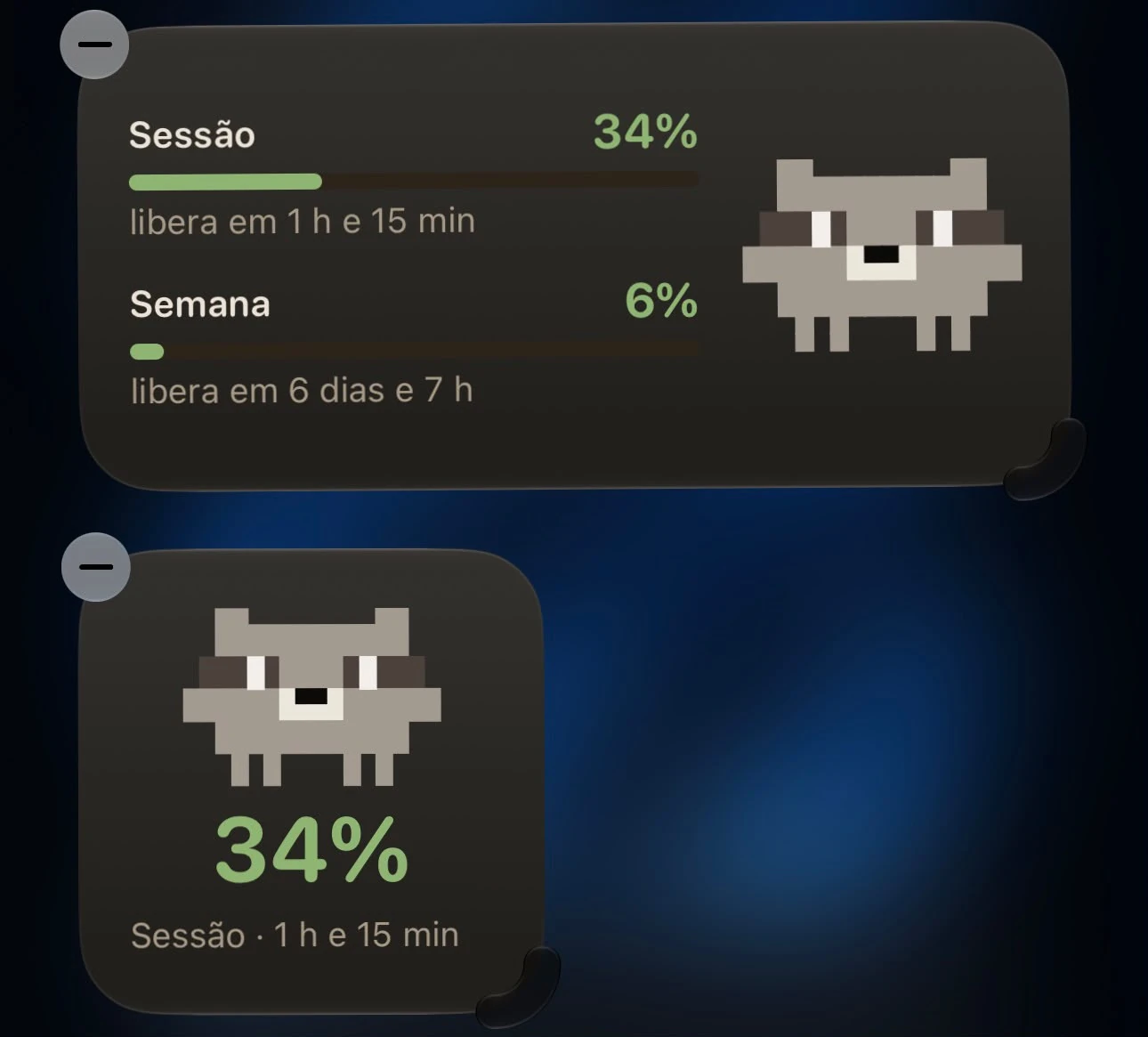
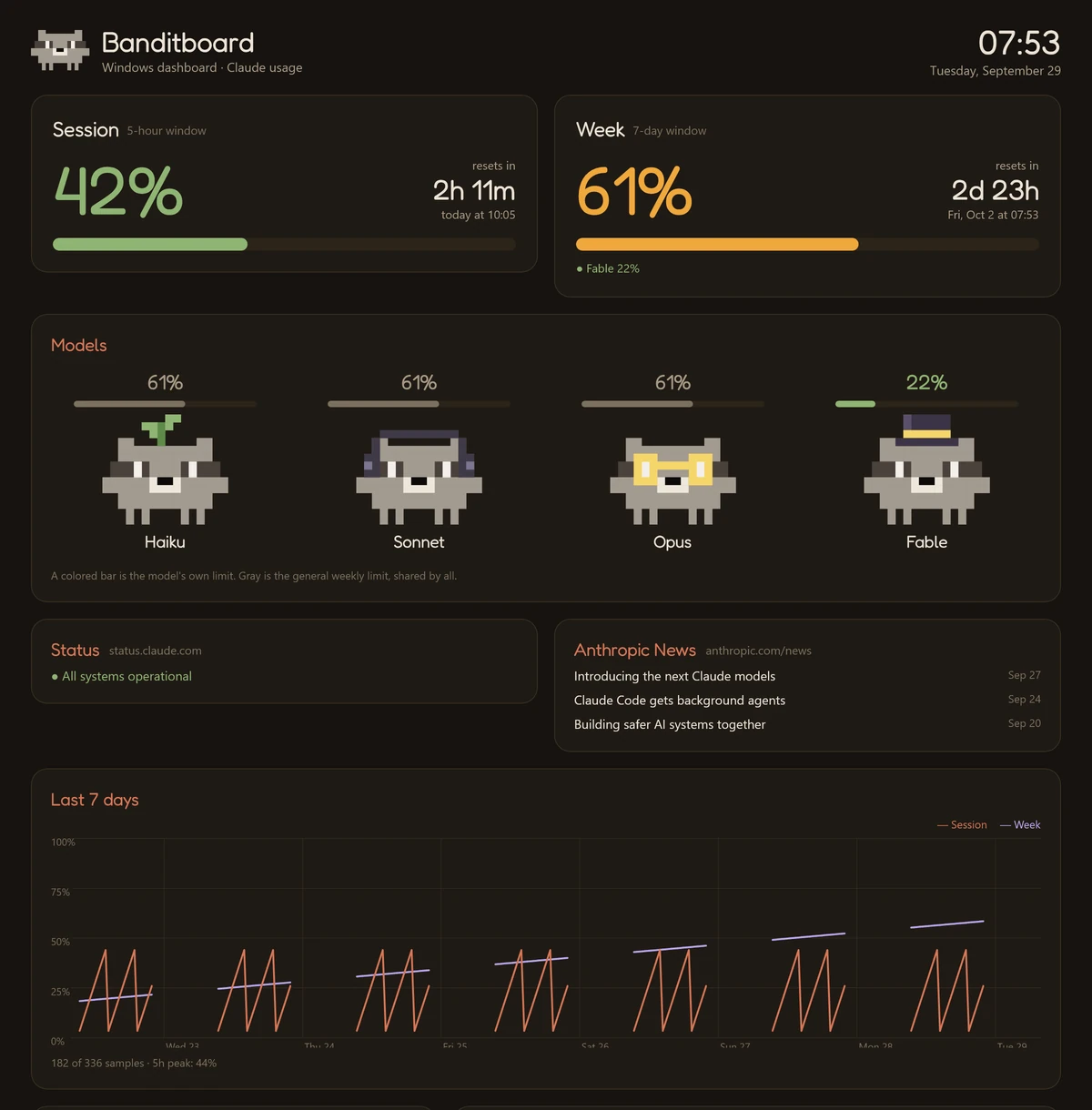
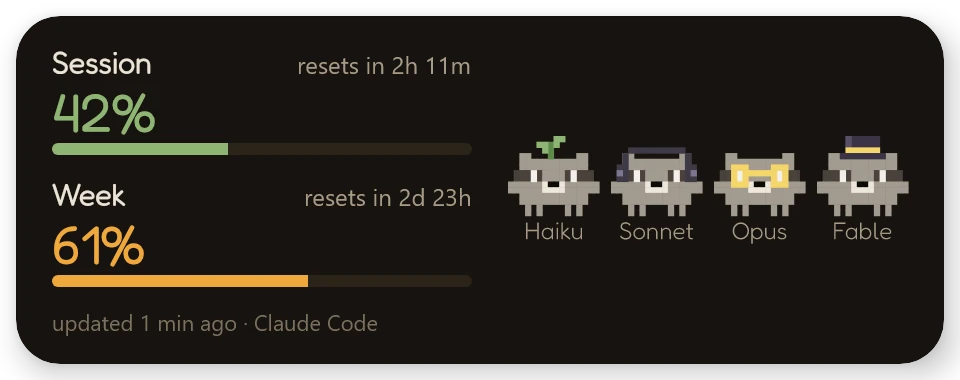
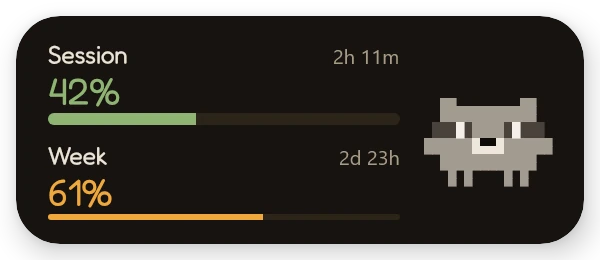
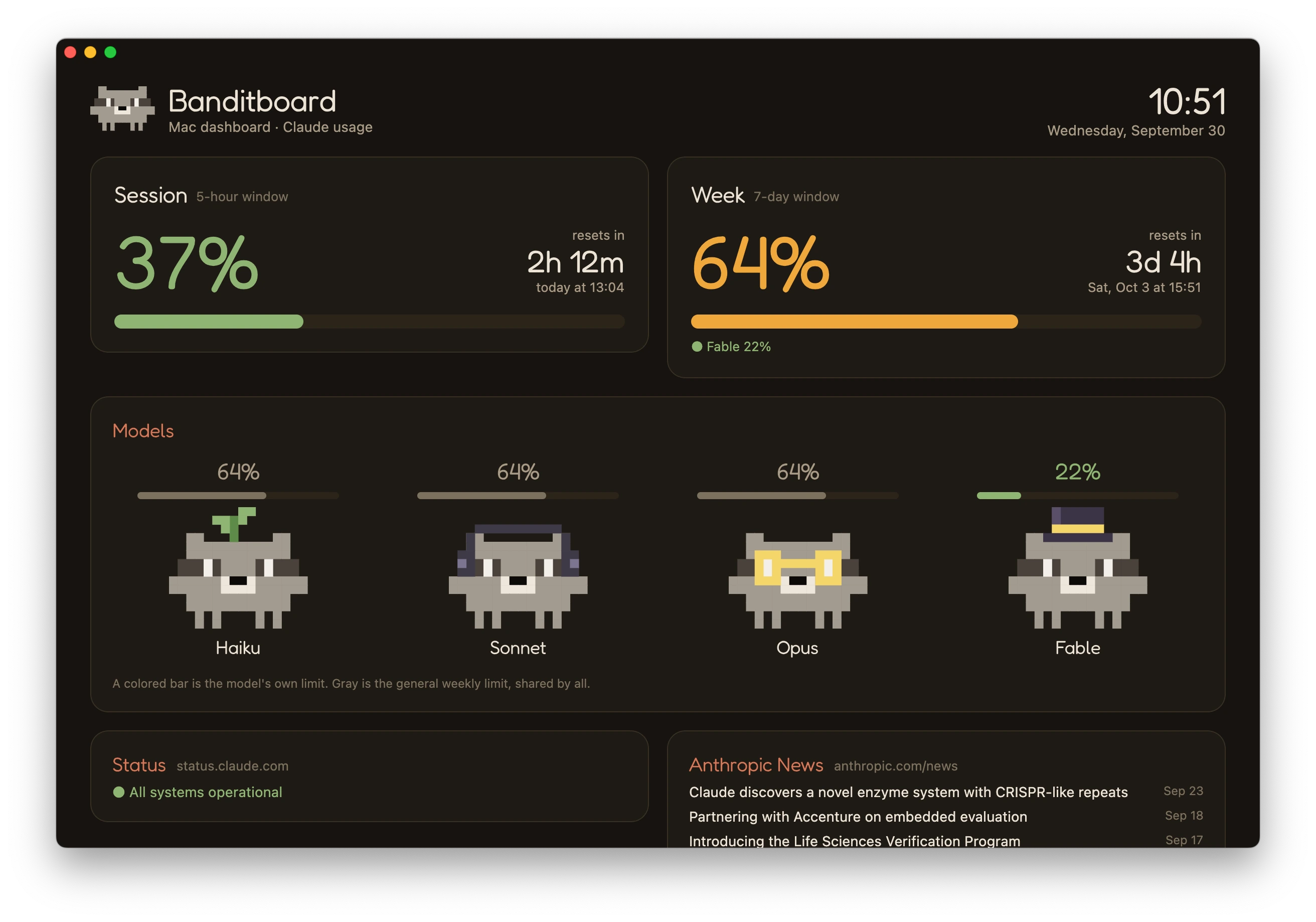
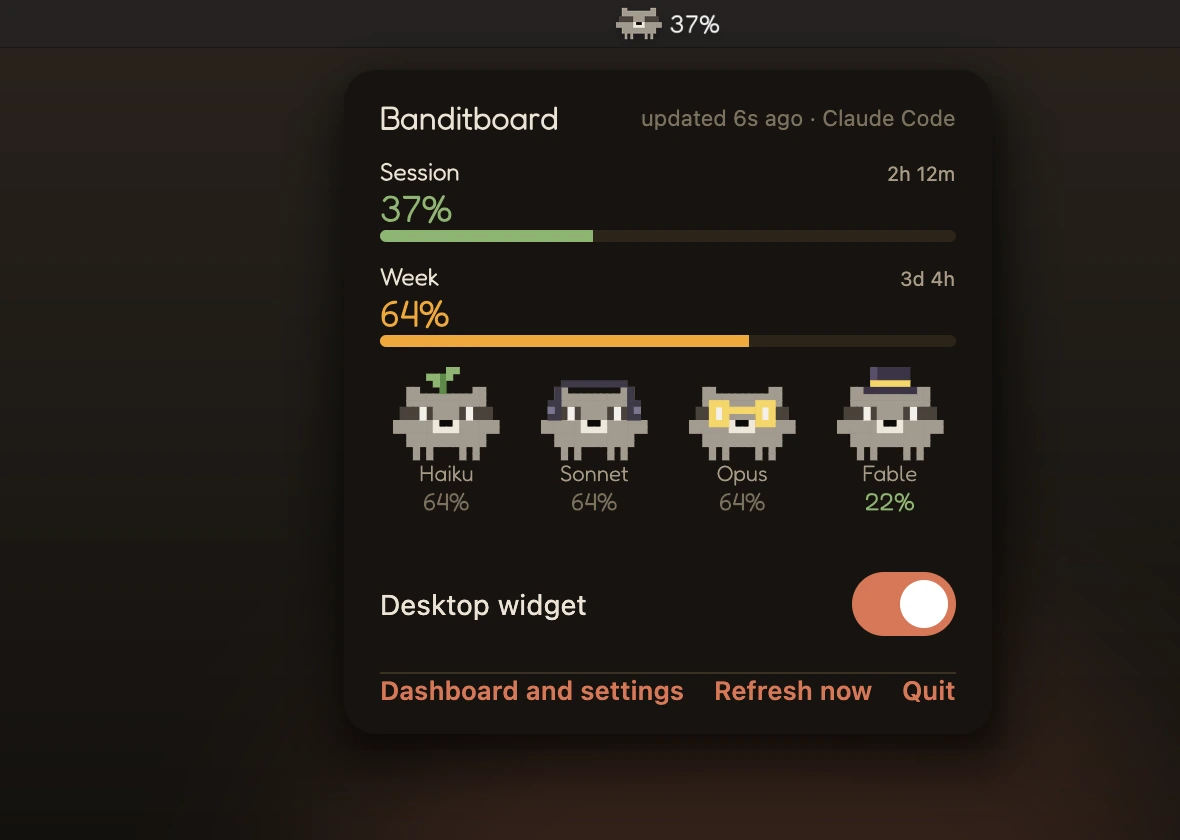
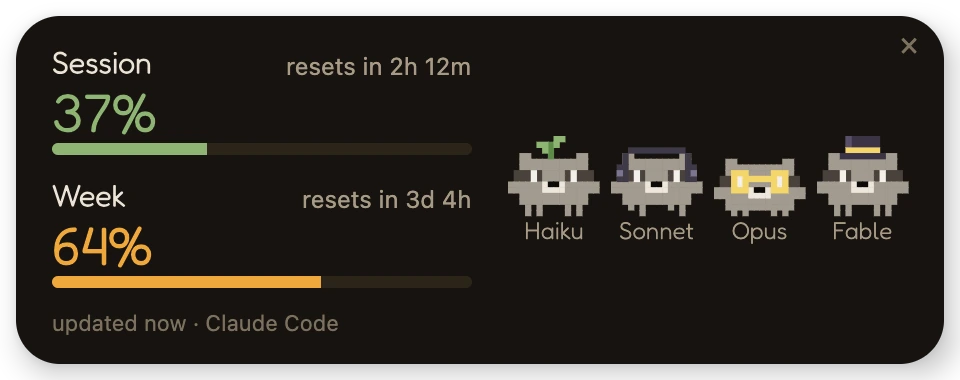
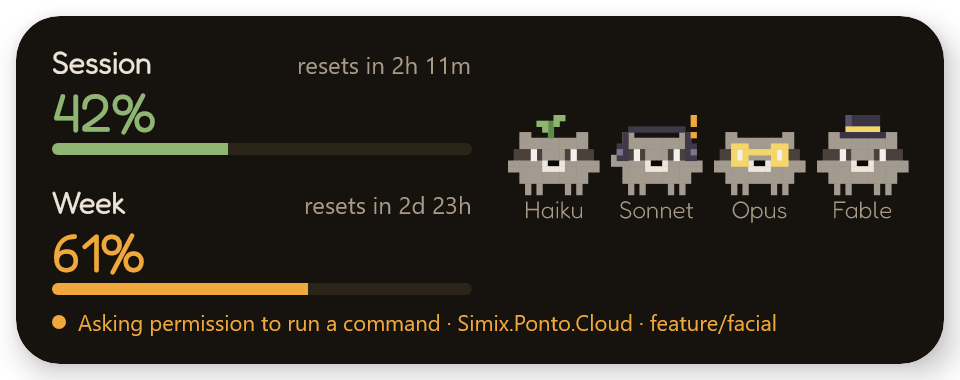

The apps follow your device language, in English or Portuguese.
Your data stays yours
Banditboard only needs the limit numbers. Everything else stays on your computer.
No token, no login
No device ever sees your account. Claude Code itself reads the usage, on your computer.
Just the numbers
Only the percentages and when each limit resets. Nothing from your chats, files or projects.
Your network, or encrypted
The numbers go straight from the computer to your devices, with a pairing key. If you connect from anywhere through the website, they pass through the Banditboard server encrypted end to end: it keeps only the latest update and cannot read it.
Open source
MIT licensed. The scripts that run on your PC are short, and you can read every line on GitHub.
FAQ
Is it really free?
Yes. Banditboard is free and open source, and every release is on GitHub.
Does it spend my tokens?
No. After Claude Code replies, a hook runs /usage, a local command that does not call the model. It runs at most every 2 minutes.
Which plans does it work with?
Plans where Claude Code's /usage shows session and weekly limits, like Pro and Max. Usage from claude.ai and other devices counts too.
Does my data leave home?
Not on your home network: the computer sends only the percentages and when each limit resets, straight to your devices, with a pairing key. If you connect from anywhere, the numbers pass through the Banditboard server encrypted end to end, and it cannot read them. Nothing from your chats or your files.
Does my computer need to stay on?
Usage arrives while you use Claude Code on the computer. With it off, the apps keep the last update and clear a window on their own once its reset time passes.
I got a warning when installing. Is that normal?
Yes. The APK comes from GitHub, not the Play Store, so Android asks you to allow "install unknown apps". On Windows, if you see the unknown publisher warning, click "More info" and then "Run anyway": the installer is not digitally signed yet. On Mac, the app is not notarized by Apple yet: the first time, go to System Settings → Privacy & Security and click "Open Anyway".
Is there an iPhone, Apple Watch or Mac version?
Yes. On Mac, just download the DMG. On iPhone it is a free beta for now: the IPA is unsigned, you install it with your Apple ID through Sideloadly or AltStore, and the Apple Watch app comes with it. With a free Apple ID you have to refresh it every 7 days. The App Store version comes later.
Does it work with Antigravity?
Yes. With Antigravity open on the computer, Banditboard for Windows or Mac reads the quota straight from it, on the computer itself, and sends it to the phone through the same pairing. No Google login and none of your quota spent.
Does it work away from home?
Yes. Open banditboard.suiciniv.dev/conectar, scan the QR code with the phone and run the command on the computer. Usage travels encrypted end to end, and on Android the alerts arrive even with the app closed.
No more surprises mid-task.
Install it on your phone, your watch, your computer or all of them. The same hook sends the usage to every one.